


Free ASO Tool
Search an app to see the keywords it already ranks for.
 United States of America
 Duolingo
| Keywords | Ranking | Value Score | Vol | Results |
|---|---|---|---|---|
| duolingo | 1 | 100.00 | 78 | 248 |
| language learning | 1 | 77.46 | 58 | 248 |
| spanish learning app | 1 | 75.61 | 54 | 248 |
| дуолинго | 1 | 75.32 | 53 | 218 |
| 多邻国 | 1 | 75.00 | 53 | 247 |
What Data Does the Free ASO Keyword Tool Show?
Understand what each metric really means for better app keyword research.
Free ASO Tool
Search an app to see the keywords it already ranks for.


Duolingo: Learn Languages
Spanish, French, Chess & Math
United States of America · App Store
Keywords | Ranking | Value Score | Vol | Results |
|---|---|---|---|---|
| duolingo | 1 | 100.00 | 78 | 248 |
| language learning | 1 | 77.46 | 58 | 248 |
| spanish learning app | 1 | 75.61 | 54 | 248 |
| дуолинго | 1 | 75.32 | 53 | 218 |
| 多邻国 | 1 | 75.00 | 53 | 247 |
| duolingo language lessons | 1 | 74.53 | 51 | 248 |
Search terms this app already ranks for.
Find App Keywords in 3 Simple Steps
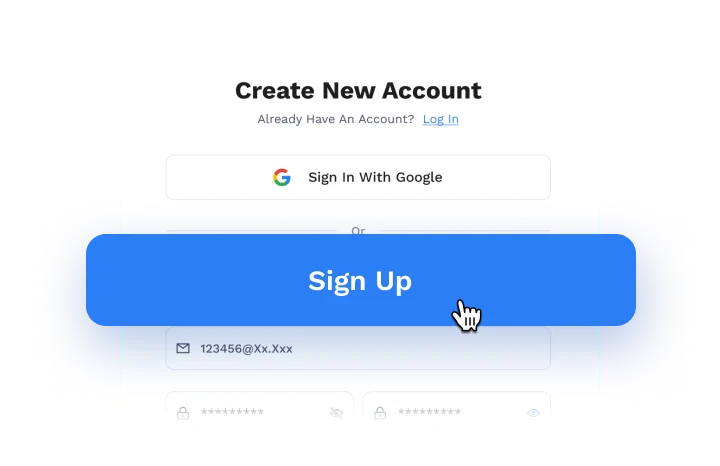
Step One
Create a free account. No credit card needed.
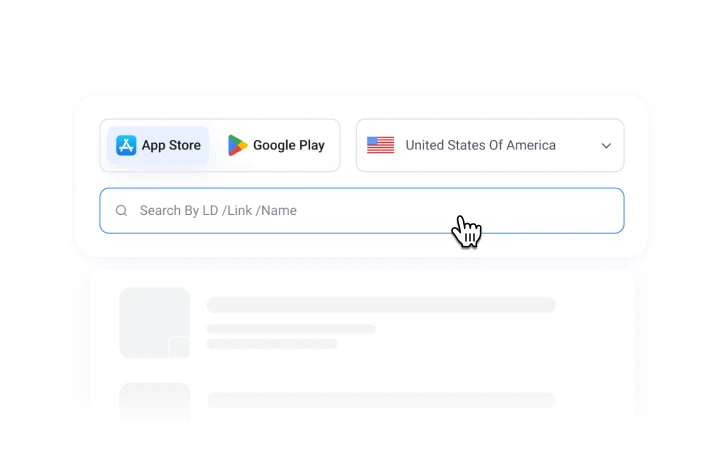
Step TWO
Choose a store and country, then search for an app.
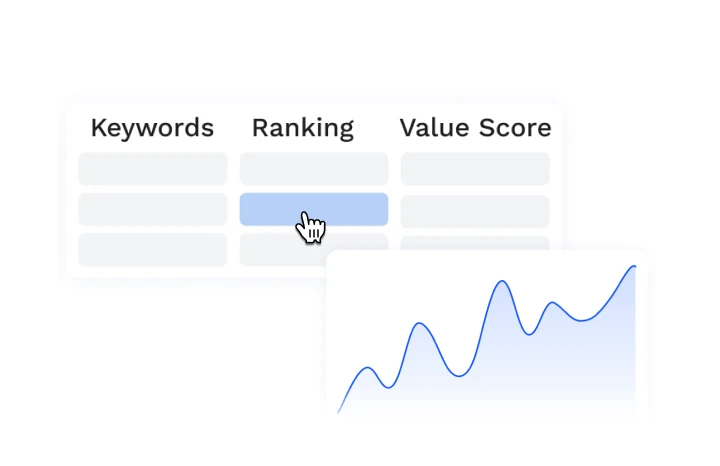
Step Three
Explore the app’s ranked keywords and search data.
What You Can Do with Our Free ASO Keyword Research Tool

Keyword Analysis
Explore keywords by value, popularity, and competition.

Ranking Check
Check where your app currently ranks for each keyword.

Competitor Analysis
Discover your competitors’ keywords and where they rank.




FAQs About Our Free ASO Keyword Tool
Is This ASO Keyword Tool Free?
Yes. This App Store optimization keyword tool is free to use. Create an account to check any app’s keywords, rankings, and search data. No credit card or top-up required.
Is This a Free Google Play Store and App Store Keyword Tool?
Yes. You can use it as a free Google Play store keyword tool and a free App Store keyword tool. Choose a store and country, then search any app by name, link, or ID.
Can I Use This App Store Keyword Research Tool to Check Competitors’ Keywords?
Yes. This app store keyword research tool works for any app on the App Store or Google Play, including your competitors’ apps. Enter an app to see its keywords and rankings across 250 countries and regions.
Is the Data Reliable? Why Does It Differ from Other ASO Keyword Research Tools?
Our keyword data is collected from the App Store and Google Play, so it reflects real store results. However, different ASO keyword research tools collect data in different ways and use their own models to score keyword value, so numbers rarely match exactly across tools. Treat the data as a reference rather than an exact figure. For the most consistent comparisons, stick with one tool over time.
Does Vol in an App Keyword Research Tool Show Actual Monthly Searches?
No. Vol in this app keyword research tool is a search popularity index, not the exact monthly search volume of an app store keyword. A higher Vol means the keyword is searched more often than others, so use it to compare keywords rather than to estimate traffic.
Is This Keyword Tool for the App Store Web-Based? Do I Need to Install Software or Use a Mac?
No installation needed, and no Mac required. It works in your browser, so you can just create a free account and search for an app.
How Do I Choose Keywords After Using Keyword Research Tools for ASO?
Start with keywords that are relevant to your app. Then compare Vol (popularity), Results (competition), and Value Score. Keywords with solid popularity but fewer results are often easier to rank for. Mid-range Value Scores can offer better return than the very highest ones, because higher Value Scores also mean tougher competition. Your current Ranking shows which keywords to improve first.