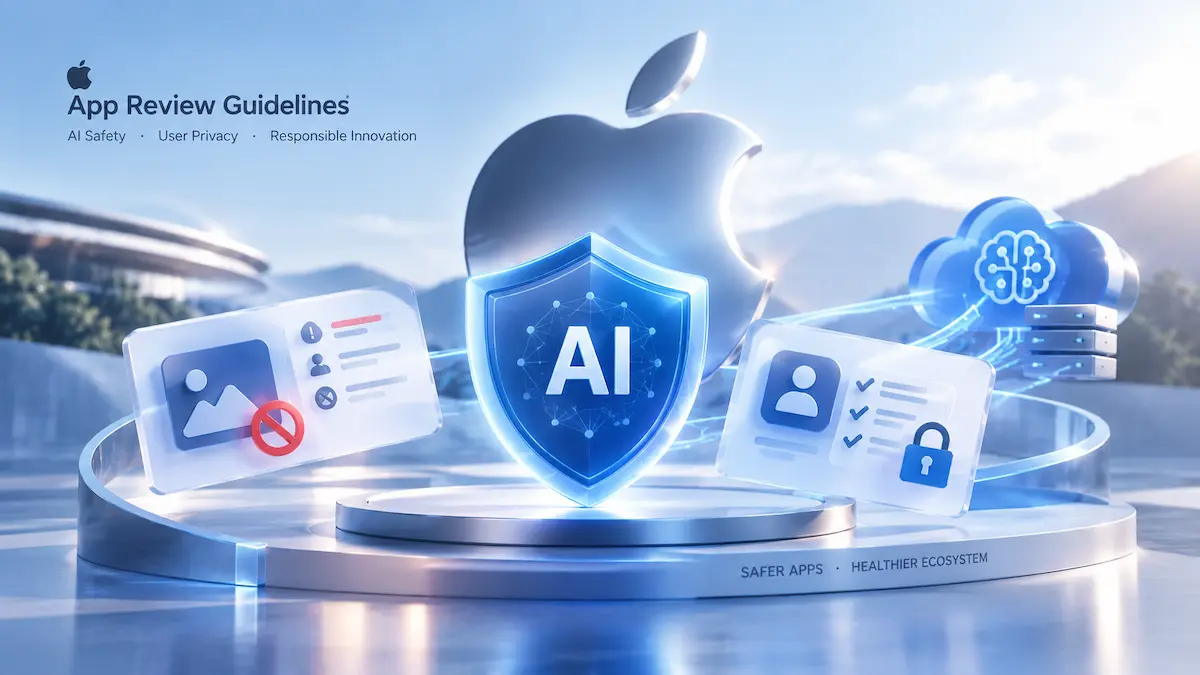
On October 16, 2026, Apple updated its App Review Guidelines to bring AI content creation apps under the user-generated content rules in Guideline 1.2. Apps that generate AI content need in-app reporting and blocking. Apps that send personal data to third-party AI need explicit user permission first. Visible branding must not use another developer’s brand or product name. Fix these three before your next submission. Otherwise expect rejections, and if your app ends up with an 18+ rating, a sharp drop in organic and paid growth.
Executive Briefing: Apple’s October 16, 2026 AI Policy Shift
From Passive Platform to Active Gatekeeper
Apple updated its App Review Guidelines on October 16, 2026, and the changes put much more responsibility on developers of generative AI apps. The update followed reporting on nonconsensual intimate imagery (NCII) apps and pressure from local authorities, including a San Francisco City Attorney investigation. App Review is now focused on stopping problem apps before they reach the store.
If your app generates text, images, or voice, offensive output is no longer a third-party model accident. As a developer, you are responsible for what your app produces. Apps that rely only on prompt-based guardrails or thin API wrappers are running into review deadlocks. To pass, safety controls must be built into the app itself, not added as a legal disclaimer.
| Industry Benchmark (October 2026) | Change |
|---|---|
| Guideline 1.2 rejections for generative AI submissions | +340% |
| Average CVR after an app moves to an 18+ rating | -38% |
| External AI data-sharing consent (Guideline 5.1.2(i)) | Mandatory policy requirement |
Note: Metrics reflect industry empirical benchmarks and telemetry modeling, not official Apple disclosures.
What Changed: Before and After
| Area | Before | Now |
|---|---|---|
| Status of AI-generated content | Treated as an app feature | AI content creation apps fall under the user-generated content rules (Guideline 1.2) |
| Abuse and deepfakes | Mostly handled through takedowns after the fact | Hiding or misrepresenting features is grounds for removal and developer account termination (Guideline 2.5.19) |
| Privacy | Covered by the web privacy policy | Clear disclosure and explicit permission before sharing personal data with third-party AI (Guideline 5.1.2(i)) |
| Branding | Model names often appeared in listings | Another developer’s brand or product name cannot be used in your app’s icon or name without approval (Guideline 4.1(c)); other visible metadata carries trademark and misrepresentation risk |
Technical Requirements and Backend Audits
Guidelines 1.2 and 2.5.19: UGC Rules and Hidden-Feature Bans
Guideline 1.2 groups AI content creation apps with social media and other user-generated content platforms. It requires a way to filter objectionable material, a way to report offensive content, the ability to block abusive users, and published contact information. A safety rule written only into the system prompt does not provide these controls. Without client-side reporting and blocking, expect a Guideline 1.2 rejection.
A typical rejection notice reads along these lines (illustrative wording, not an official quote): your app includes generative AI capabilities but lacks the mechanisms to filter objectionable material, report offensive content, or block abusive users.
Guideline 2.5.19 is now a standalone rule. It was formerly covered by Guideline 2.3.1 and targets hidden, dormant, or undocumented features. Apple states that attempting to hide undocumented features in your app binary is grounds for removal from the App Store and termination of your developer account. In practice, if you pass review with a compliant interface and later switch on unmoderated generation or face-swapping through a remote flag, you risk exactly that outcome under the Developer Code of Conduct. Developers also report that Apple monitors apps after launch, but Apple has not published how.
| Approach | Flow | Likely review result |
|---|---|---|
| Prompt-only safety | User → “You are a safe AI” → offensive output | Rejected |
| Interface-level safety | User → input filter → SSE stream → dynamic redaction → report/block button | Passes |
Guideline 5.1.2(i): Cloud vs. Local Inference
Guideline 5.1.2(i) requires you to clearly disclose where personal data will be shared with third parties, including third-party AI, and to obtain explicit permission before doing so. In practice, this means an in-app consent prompt before the first request that sends user prompts or media to an external AI provider such as OpenAI or Anthropic. The guideline says “third-party AI” and does not name specific companies. The prompt should name the processor and describe what data is shared, and your disclosures should match your App Store Connect privacy labels.
On-device models, such as Core ML models running on the Apple Neural Engine, do not share data with a third party, so this rule does not apply. If a reviewer flags local inference by mistake, developers commonly appeal with Xcode Instruments network traces that show no data leaving the device. Apple does not document this as a guaranteed fix, but it is strong supporting evidence.
The Latency vs. Moderation Trade-Off
Guideline 1.2 expects you to prevent and remove objectionable content, which conflicts with real-time streaming. If you wait for the full LLM response before moderating, Time-to-First-Token (TTFT) rises to roughly the full generation time, which for a typical multi-paragraph answer can be several seconds. If you stream raw Server-Sent Events (SSE) straight to the screen, prohibited content can appear before your filters react.
| Architecture | Illustrative TTFT | Guideline 1.2 fit | Retention impact |
|---|---|---|---|
| Full response buffering | +4,200 ms | Compliant | Large drop (-45%) |
| Raw SSE streaming | ~280 ms | High risk | Low initial churn |
| Dual-track stream redaction | ~340 ms | Recommended pattern | Low churn (<5%) |
Note: Figures are illustrative engineering benchmarks, not official Apple data or published test results.
A dual-track pattern resolves the trade-off. A fast classification API screens the user prompt before it is sent. On the client, a listener renders streamed tokens into an active buffer. If prohibited content appears mid-stream, it cancels the network task (URLSessionTask.cancel()) and redacts the text.
ASO and Growth Impact: What the Penalties Cost
Guideline 4.1(c): Keeping AI Brand Names Out of Your Metadata
Guideline 4.1(c) says you cannot use another developer’s icon, brand, or product name in your app’s icon or name without approval. Putting a third-party AI brand such as “ChatGPT,” “Claude,” or “Midjourney” in your 30-character App Title is a direct risk. Adding “Powered by” or “compatible with” does not change the fact that you are using the brand without permission.
The guideline’s wording covers the icon and name. Subtitles, promotional text, and screenshots are not named in it. Still, brand names there can draw rejections under other rules, such as 2.3.1 on misleading metadata, or complaints from trademark holders. Treat all visible metadata as off limits for third-party AI brands.
Replace brand names with functional phrases people actually search for, such as “AI writing assistant,” “AI chat,” or “image generator.” These keep your ranking potential and avoid the trademark problem.
The 100-character keyword field is hidden from users, and developers report that brand terms in it are rarely flagged during review. That is experience, not an Apple guarantee, and a trademark holder can still file a complaint at any time. Treat competitor and model names there as a risk, not a growth tactic. Use the field for functional and intent-based terms instead, such as “essay helper,” “photo enhancer,” and “voice assistant.”
The 18+ Rating Penalty: Search, Editorial, and Ad Funnel Losses
Apple’s age rating system now uses 4+, 9+, 13+, 16+, and 18+. The older 12+ and 17+ tiers have been retired. Apple has also reminded developers that AI assistant and chatbot features count toward how often sensitive content appears when the app is rated.
Review testers often submit trick prompts to push conversational models past their safety filters. Accepting an 18+ rating to end that cycle is the fastest way to clear review, but it creates a lasting acquisition bottleneck across organic and paid channels:
- Family Sharing and parental limits: When a child’s age is below an app’s rating threshold, the app no longer appears in search results or editorial placements such as Today.
- Editorial exclusion: Adult-rated utility apps are unlikely to be featured in Today stories, curated collections, or category banners. This is an editorial pattern, not a published rule.
- Product page drop-off: A mature age rating shown next to the GET button reduces casual-user conversion by an estimated 30% to 40%.
- Apple Search Ads (ASA) restrictions: Devices with Personalized Ads turned off, which is common for minors and managed profiles, are generally not eligible to receive ads for adult-rated apps. Check the current ASA policy before you plan spend. A smaller auction pool tends to push up Cost-Per-Tap (CPT) and Cost-Per-Acquisition (CPA).
| Funnel stage | Modeled effect | Remaining share of baseline |
|---|---|---|
| Store discovery pool | Universal audience | 100% |
| Family and parental restrictions | -24% | 76% |
| ASA ad restrictions | -35% | ~49% |
| Age rating badge on product page | -38% CVR | ~31% |
Note: Figures come from an illustrative growth funnel model and industry benchmarks, not official Apple disclosures. They were originally modeled for the retired 17+ tier and should be treated as estimates for 18+.
Net result in this model: an 18+ app keeps roughly 31% of its baseline growth potential. The most reliable fix is to stress-test your guardrails before submission so the app can hold a 13+ or 16+ rating without reviewer disputes.
Submission Playbook: First-Pass Approval Checklist and FAQs
Content Moderation Checklist and Review Notes Template
To pass App Review on the first submission, build your safety interface and your App Store Connect disclosures together as one deployment pipeline. Confirm each item below before you submit a binary:
- Input sanitization layer: Block high-risk keywords and prompt injection patterns before any request reaches the model provider.
- Runtime consent prompt (5.1.2(i)): Clearly disclose that personal data will be shared with third-party AI, name the processor, and get explicit permission before the first remote API call.
- Client-side moderation UI (1.2): Provide a way to filter objectionable content, report offensive content, and block abusive users, plus published contact information. A long-press menu on AI response bubbles is a common way to implement reporting and blocking.
- App Store Connect privacy labels: Make sure the third-party data collection you declare matches what your app actually sends over the network.
- Storefront assets (4.1(c)): Remove third-party AI brand names from your app name and icon. As a precaution, keep them out of your subtitle, promotional text, and screenshots too.
- Hidden features (2.5.19): Make sure no dormant or undocumented feature, including anything switched on later by a remote flag, is missing from your review submission.
- Age rating: Complete the updated age rating questionnaire in App Store Connect, and stress-test your conversational guardrails so the app can hold a 13+ or 16+ rating where that fits your product.
Add a disclosure block to the “App Review Notes” field. Apple has asked developers to explain external AI services to reviewers, and a clear explanation saves them a manual investigation:
App Review Notes: External AI Architecture Declaration
- Service Provider: api.openai.com (Endpoint: /v1/chat/completions)
- User Consent: In-app permission prompt shown before the first network request (Guideline 5.1.2(i))
- Content Safety: Upstream keyword sanitizer + dynamic stream redaction enabled (Guideline 1.2)
- Verification Flow: Long-press any AI response bubble to open the Report/Block interface
FAQ
Can I use a trademarked AI name like “ChatGPT” in my App Subtitle if I add “powered by”?
It is a risk you should avoid. Guideline 4.1(c) prohibits using another developer’s brand or product name in your app’s icon or name without approval, and qualifiers such as “powered by” or “compatible with” do not change that. The guideline’s wording does not mention the subtitle, but brand names there can still lead to rejection under other rules or to a trademark complaint. Use a functional phrase like “smart writing assistant” to protect your organic ranking and avoid the issue.
Can I put trademarked AI keywords in the hidden 100-character keyword field?
Not safely. Developers report that brand terms in the keyword field are rarely flagged during review, but Apple has not published how it checks, and a trademark holder can file a complaint that puts your app or account at risk. Use functional, intent-based terms instead.
How does an 18+ age rating affect Apple Search Ads performance?
It narrows your reach. Devices with Personalized Ads turned off, which includes many minor and managed family profiles, are generally not eligible to receive ads for adult-rated apps. Confirm the current rules in Apple’s Search Ads documentation. To keep download velocity up with a smaller audience, test higher CPT bids and broader keyword match types. Better still, design your guardrails so the app does not need an 18+ rating in the first place.
Does Apple reject screenshots that show AI-generated photorealistic faces or celebrity likenesses?
Often, yes. Guideline 2.3.1 requires screenshots to reflect the app’s real functionality, and Guideline 1.2 addresses nonconsensual intimate imagery and deepfakes. Screenshots that suggest deceptive capabilities or show real people without permission put your submission at risk. Use stylized illustrations, abstract artistic outputs, or a clear “AI Synthesized” label in promotional screenshots. Apple does not require that label, but it helps show that you are not misleading users.
Do Custom Product Pages (CPPs) get the same AI content review as the default listing?
Yes, each one is reviewed separately. Every custom product page is its own metadata version and has to pass review before it goes live. Make sure your alternate screenshots, promotional text, and intended user flows meet the same standards as your default listing before you launch paid campaigns.
Strategic Conclusion: Moving from Quick Rejections to Long-Term App Store Success
Apple’s October 2026 changes make compliance part of your app’s architecture, not a legal footnote. Run through the Section 4.1 checklist before every generative AI submission. Keep third-party AI brand names out of your app name, icon, and other visible metadata, and treat your keyword field with the same caution.
Getting through review is only the first step. A compliant listing with the right metadata, a healthy age rating, and well-built Custom Product Pages is what turns approval into steady organic and paid growth. Our ASO team can audit your listing and fix the issues behind rejections and lost conversions. [Boost your app downloads with our ASO services.]