
Learn ASO: App Store Optimization for Beginners
App store optimization (ASO) helps people discover your app and understand its value. Follow six stages, from learning the basics to running an optimization project on your own.
Your ASO learning path
6 practical stages · Learn at your own pace
Use the same app and target market for each exercise. Start with either the App Store or Google Play.
Learn how ASO helps the right users discover your app and decide to download it.
- Practice
- Choose an app and find a search term its users might use. Review its icon, screenshots, and description to see if they clearly explain its value.
- Ready to move on when
- You can explain how visibility and conversion work together to support organic downloads.
- Common mistake
- Focusing only on keyword rankings and overlooking how the store listing influences download decisions.

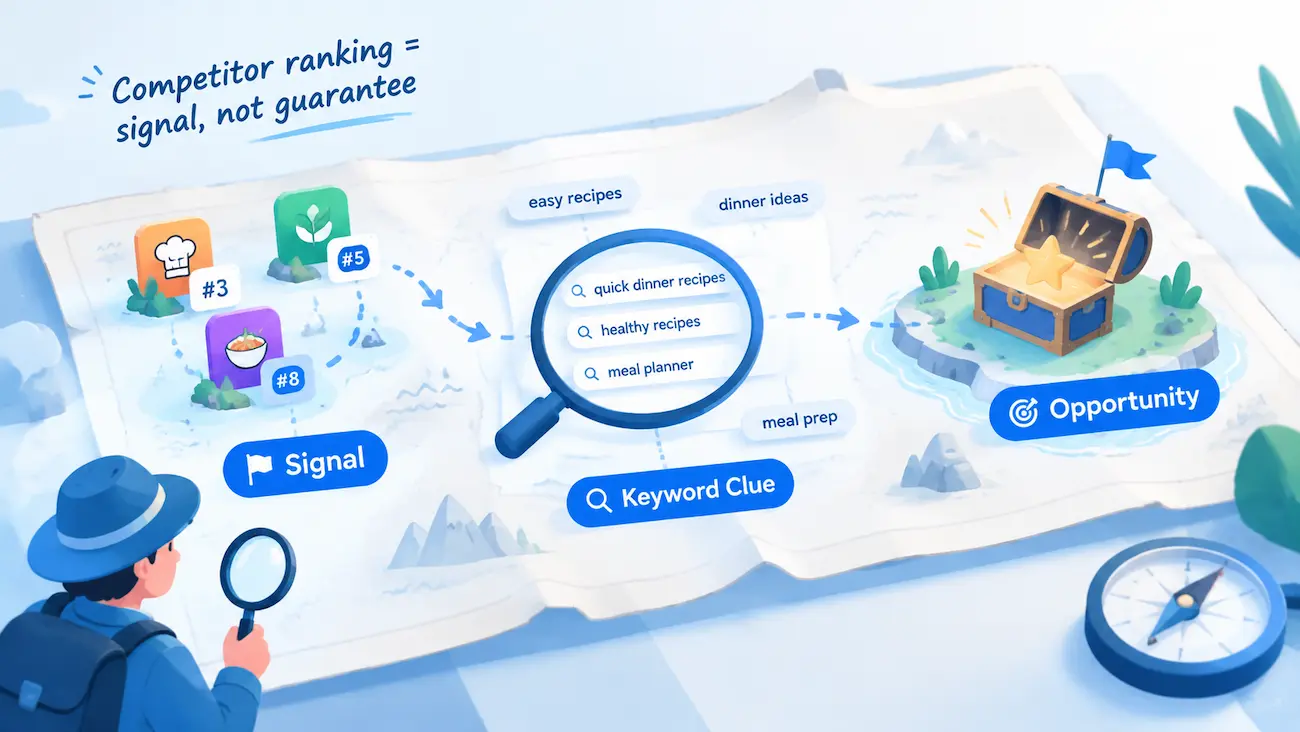
Learn how to find keyword opportunities by studying competitors and understanding what users search for.
- Practice
- Review 3–5 competing apps and their keyword rankings. List keywords that match your app’s features and audience.
- Ready to move on when
- You can prioritize keywords based on relevance, search demand, and competition.
- Common mistake
- Copying competitors’ keywords or choosing popular terms that don’t match your app.
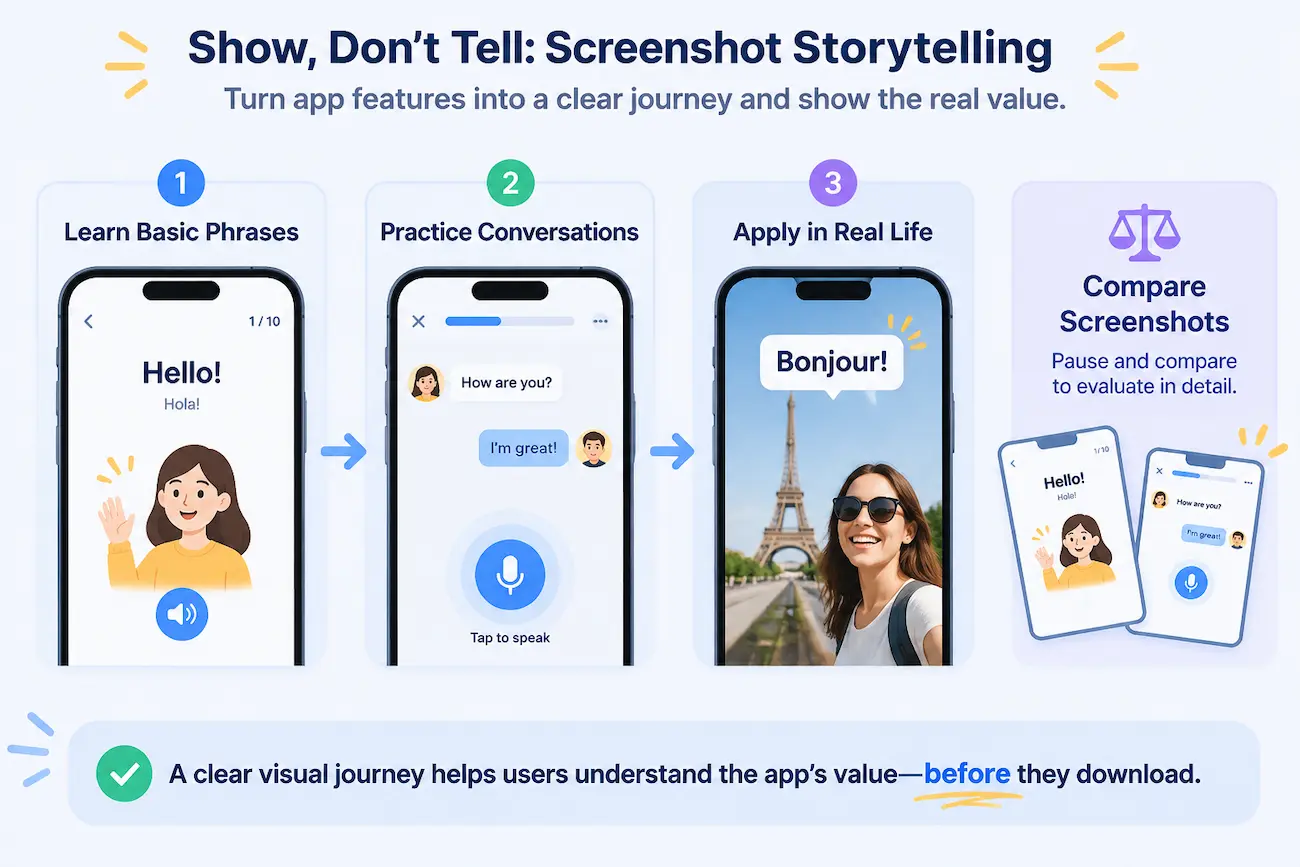
Learn how to improve your app’s text and visuals to support discovery and downloads.
- Practice
- Review your app’s title, description, icon, and screenshots. Add relevant keywords naturally and make the app’s main benefits clear.
- Ready to move on when
- You can explain how your listing helps users find your app and understand its value.
- Common mistake
- Stuffing keywords into your listing or using visuals that don’t reflect the app’s actual features.

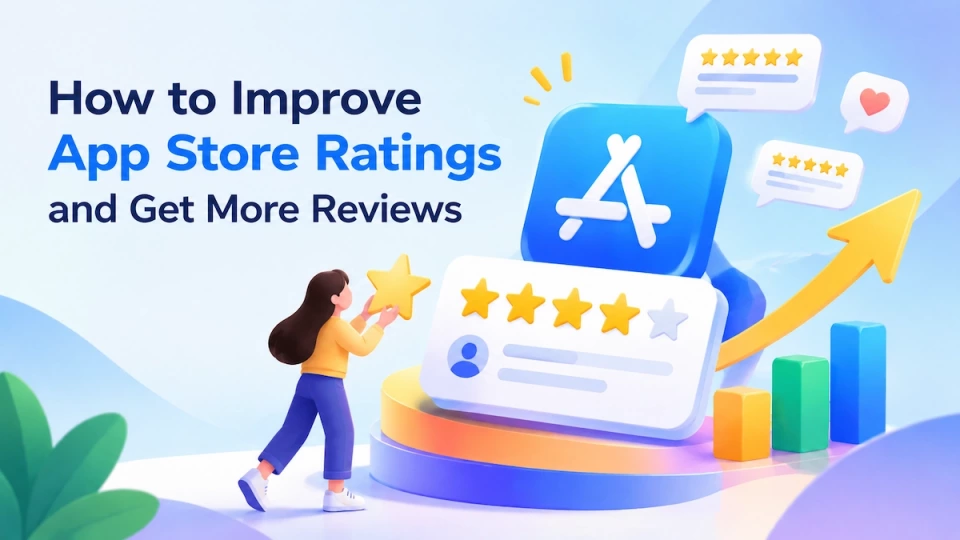
Learn how ratings and reviews shape user trust and reveal opportunities to improve your app.
- Practice
- Read recent reviews, identify recurring issues, and draft a helpful response to one user’s feedback.
- Ready to move on when
- You can explain how to respond to feedback, address common issues, and ask for ratings at an appropriate time.
- Common mistake
- Focusing only on the star rating while ignoring user feedback, or offering rewards for reviews.
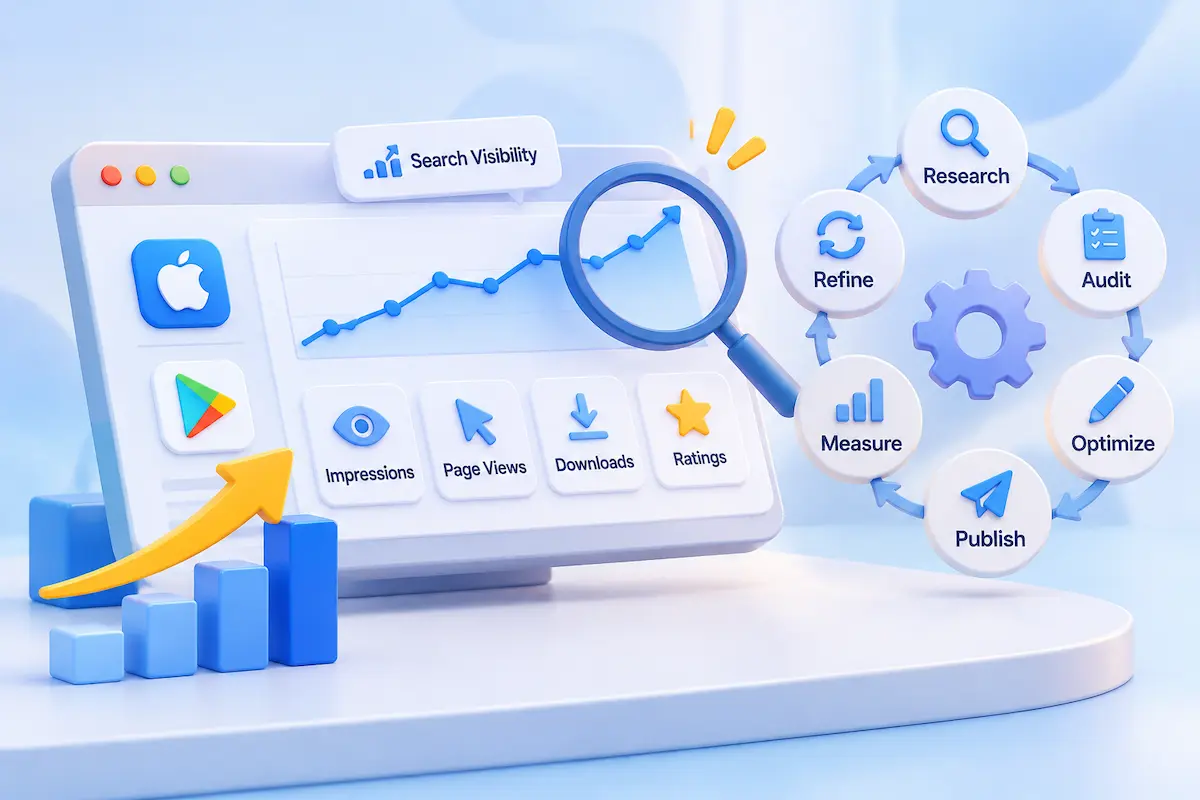
Learn how to test store listing changes and measure their effect on performance.
- Practice
- Choose one element to test, such as a screenshot. Record your current conversion rate and define what you want to improve.
- Ready to move on when
- You can compare results using consistent metrics and decide whether the evidence supports a change.
- Common mistake
- Changing several elements at once or declaring a winner before the test results are conclusive.
Bring your ASO skills together to improve a store listing and build an ongoing optimization process.
- Practice
- Choose an app, review its keywords and listing, and identify one improvement. Record your baseline, make the change, and monitor the results.
- Ready to move on when
- You can document what you changed, evaluate its performance, and use what you learned to plan the next improvement.
- Common mistake
- Treating ASO as a one-time task or making updates without a clear goal and performance baseline.
Who can learn ASO?
Whether you are launching an app or improving an existing one, start with the topics that fit your work.

Indie developers
Learn how to make your app easier to discover and understand.
App marketers
Build a practical foundation for research, listings, and measurement.

Product teams
Connect store feedback and listing decisions to your product work.

ASO beginners
Follow a clear path through the fundamentals and develop your skills.